Device compatibility
Check your exact TV model, operating system and player app. A Smart TV label alone does not confirm compatibility; app availability can vary by model and region.

IPTV TV providers deliver television over your internet connection. Before choosing a service, check the content rights, your device and player app, and the subscription terms. This guide helps you compare those essentials and explore our existing plans without relying on unsupported promises.
IPTV means Internet Protocol Television. Rather than receiving a broadcast through an aerial or satellite dish, a compatible device receives video data through an internet connection. IPTV service providers manage access to their service; the player app is the software you use to watch it.
A player app does not establish the content’s legality or include a subscription simply because you install it. Before paying, ask what the service includes, whether the provider holds the necessary UK distribution rights, and whether your device supports the recommended app.
Comparing UK IPTV providers works best when you start with your own requirements: the devices you use, the content you are authorised to watch and how long you want access. Our IPTV FAQ answers more questions about setup and ordering.
Use these checks to compare IPTV providers UK on clear, practical information rather than headline claims.
Check your exact TV model, operating system and player app. A Smart TV label alone does not confirm compatibility; app availability can vary by model and region.
Ask which picture qualities are available for the content you want. HD and 4K depend on the source, your device, the app and your connection; a label is not a playback guarantee.
Confirm the content you want is available and that the provider is authorised to distribute it in the UK. A large catalogue or low price does not establish licensing.
Compare the total price, access period and any eligibility conditions. Find out whether renewal is manual or automatic and whether an app licence costs extra.
Look for device-specific setup steps and apps from official stores. Check what login details you need and whether assistance is available if setup fails.
Check how to contact the provider before you pay. Explain your device and connection so the team can answer questions relevant to your setup.
Confirm the subscription, total amount and payment instructions before sending money. Keep the order confirmation and check the refund conditions.
Read how personal data is used, what the subscription covers and how complaints are handled. Do not share your login details or payment information publicly.
A monthly plan is a shorter commitment. Quarterly and six-month plans extend the access period, while an annual plan suits a longer-term decision. Compare total costs and terms across IPTV subscription providers, not just the advertised monthly equivalent.
£13
One-time payment · GBP
One month of access for a shorter commitment.
£24
One-time payment · GBP
Three months of access with one payment.
£36
One-time payment · GBP
Six months of access for a longer viewing period.
£54
One-time payment · GBP
New customers only: the annual offer includes one extra month, giving 13 months of access.
No automatic recurring billing. Confirm your device, plan and payment instructions with our team before paying. Read the service terms and refund policy.
Our guide covers Amazon Fire TV, Android TV, Android phones and tablets, Apple devices, certain Samsung and LG Smart TVs, and Windows computers. App availability varies, so send us your exact model and software version before ordering.
Use the recommended app from an official store or developer website. Check whether the app requires its own licence, and keep your service login details private. Your device, connection and available content all affect playback.
Read the Installation Guide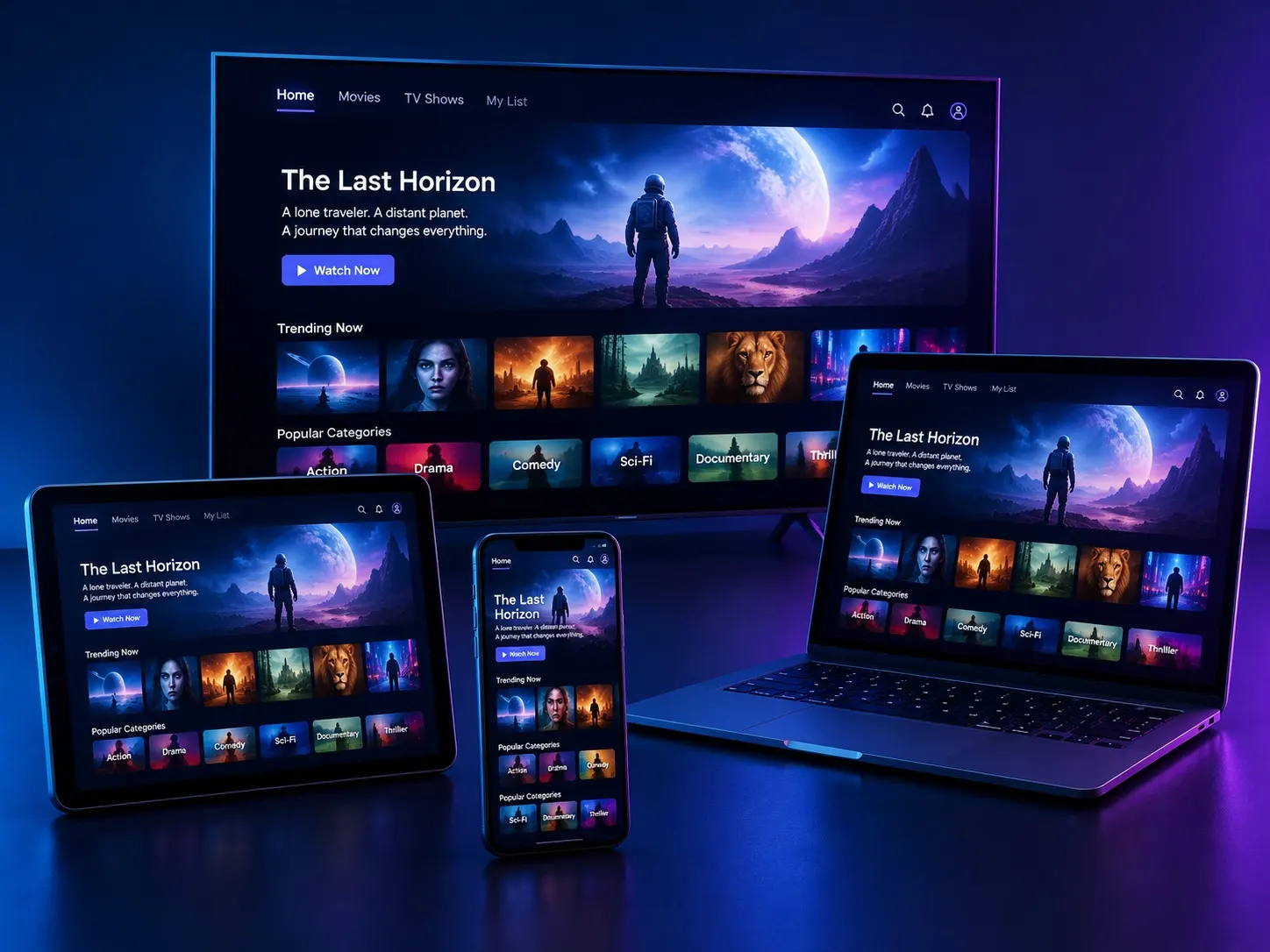
IPTV Provider UK publishes subscription prices, device-specific installation guidance and contact details so you can ask questions before ordering. Explore the homepage for our service information and current subscription options.
Choose a plan on the homepage and use its dedicated WhatsApp order button. Our team confirms the order and sends payment instructions before you pay. Support is available by phone, email and WhatsApp; visit our contact page for details.
If you want to evaluate your setup first, read about the 24-hour IPTV free trial. Check the privacy policy and ask about content availability and UK distribution rights before subscribing.
List the devices you want to use, your viewing needs and your connection. Confirm compatibility and authorised content availability.
Compare the four access periods, total one-time prices and the annual offer’s new-customer condition. Read the terms and refund policy.
Contact our team with your device and chosen plan. Confirm the subscription details and payment instructions before sending payment.
For more answers, visit our full IPTV FAQ.
Explore our IPTV service, review the available subscription options and contact our team if you have questions before ordering.