IPTV Guides
How to Install IPTV Smarters on Firestick Step-by-Step
28 April 2026
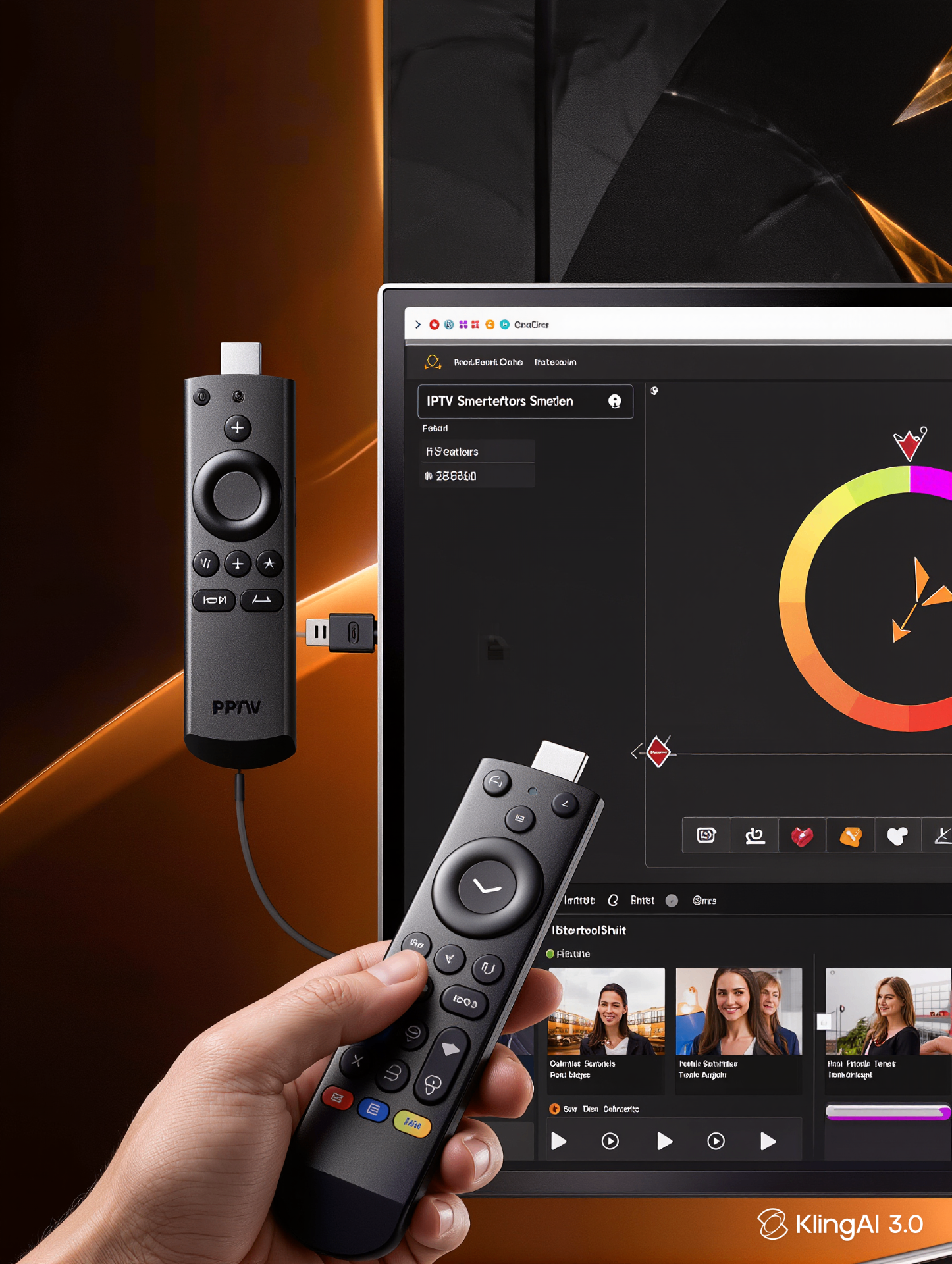
IPTV Smarters Pro is the most popular IPTV app on Amazon Firestick in the UK. Installing it is genuinely easy — even for first-time streamers — and you'll be watching live TV in under 5 minutes.
Follow this step-by-step guide exactly. If you get stuck, jump to the troubleshooting section at the end.
Before you start: what you need
- Amazon Firestick (any model — 4K Max recommended)
- Stable Wi-Fi or Ethernet connection (15 Mbps+ for HD)
- An IPTV subscription with login details (Xtream Codes URL, username, password)
- 5 minutes of free time
Step 1 — Allow apps from unknown sources
- From the Firestick home screen, go to Settings.
- Select My Fire TV → Developer Options.
- Turn ON Apps from Unknown Sources.
- Confirm by selecting Turn On.
Step 2 — Install the Downloader app
- Return to the Firestick home screen.
- Search for Downloader using the Find / search icon.
- Open the app listing and select Get / Download.
- Wait for it to install, then open Downloader.
Step 3 — Download IPTV Smarters Pro
- Inside Downloader, click the URL bar.
- Type: iptvsmarters.com (or use the official APK URL we send on activation).
- Press Go and wait for the download to complete.
- When prompted, select Install, then Open.
Step 4 — Add your IPTV subscription
- Open IPTV Smarters Pro.
- Accept the terms and conditions.
- Choose Login with Xtream Codes API.
- Enter the Username, Password and Server URL we sent you on activation.
- Press Add User — your channels, EPG and VOD will load automatically.
Step 5 — Start watching
From the IPTV Smarters home screen, choose Live TV, Movies or Series. Browse by category or country, hit OK on your remote, and you're watching. The first launch takes 30–60 seconds to load the EPG — after that, channel switching is instant.
Troubleshooting common Firestick install issues
- App won't install: re-check Apps from Unknown Sources is ON.
- Login error: copy-paste credentials carefully — passwords are case-sensitive.
- EPG not loading: wait 60 seconds on first launch, then restart the app.
- Buffering: see our IPTV buffering fix guide.
- Still stuck? Message our 24/7 support team and we'll connect remotely if needed.
Want to compare us against other UK options? See why thousands choose our IPTV Provider service, then start a no-risk IPTV free trial.
Frequently asked questions
Is IPTV Smarters Pro free to install on Firestick?
Yes. IPTV Smarters Pro is free to download and install — you only pay for your IPTV subscription with a provider.
Can I install IPTV Smarters on Firestick Lite?
Yes. The app works on every Firestick model, including Lite, but for 4K streaming we recommend the Firestick 4K or 4K Max.
Why is IPTV Smarters not in the Amazon App Store?
Amazon removed it from the UK store, but it can still be installed for free via the Downloader app using the official APK link.
How long does activation take after I subscribe?
Activation is typically instant — most UK customers receive their login details within 5 minutes of payment and are watching shortly after.
Ready to try the UK's premium IPTV provider?
24,000+ live channels, true 4K, anti-freeze servers and instant activation. Test it on any device with our free trial.
Published by IPTV Provider.